News & Events
Truly a library for all
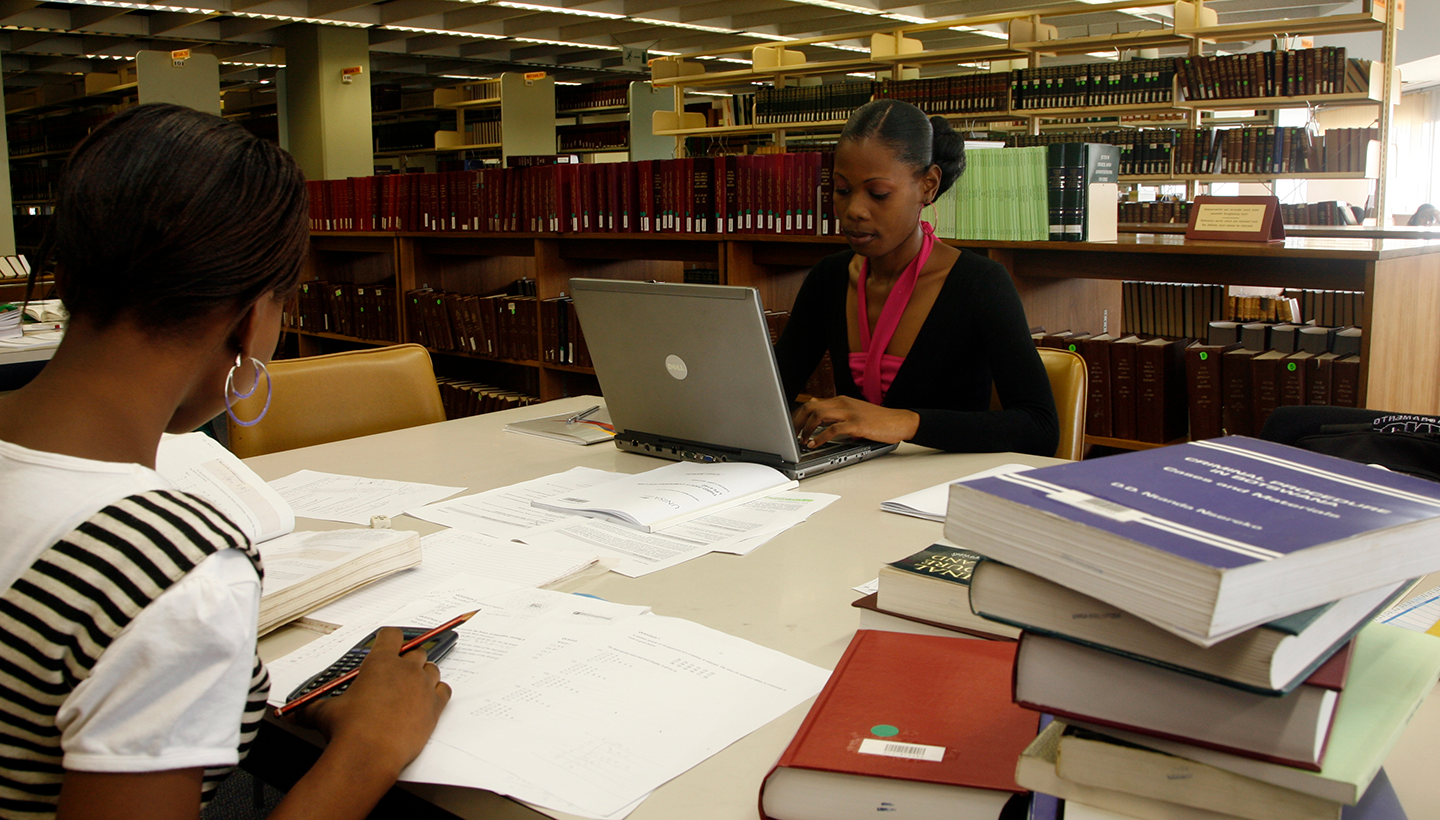
The University of South Africa (Unisa) Library and Information Services is deeply committed to the principles of equality, inclusivity, and universal access. As a leading academic institution, Unisa continually strives to ensure that all students, particularly those with disabilities, can fully participate in teaching, learning, and research.
The library’s mission is to create an enabling environment where every student has equitable access to knowledge, support, and resources, regardless of physical, sensory, or cognitive challenges.
This vision is reflected in the wide range of assistive technologies, conversion services, digital resources, training opportunities, and free accessibility tools available to students. The following comprehensive overview highlights these offerings and their significance in promoting accessible, inclusive education.
1. In-person services for clients with disabilities
Students who visit the library in person have access to a range of tailored services designed to enhance accessibility and ease of use. These include:
- Designated technology-enhanced spaces
Specialised spaces equipped with assistive devices and adaptive technologies are available to support students who may require magnification tools, audio assistance, or specialised keyboards.
- Free access for accompanying persons
The library does not charge entrance fees for companions assisting clients with disabilities, making it easier for students to receive support when needed.
- Guide dogs welcome
Service animals, such as guide dogs, are permitted inside the library premises, ensuring mobility-impaired clients can navigate safely.
- Wheelchair availability
A wheelchair can be made available upon request for ease of movement within the library.
- Sign language interpreter on request
For deaf or hard-of-hearing students, a sign language interpreter can be arranged to support effective communication during library visits or service interactions.
These services ensure that clients with disabilities can navigate and utilise the library’s physical space safely and comfortably.
2. Assistive devices and technologies: What they do
The Unisa Library provides a comprehensive collection of assistive technologies that support clients with visual, print, learning, and mobility disabilities. These tools play a vital role in levelling the academic playing field and promoting independent study.
2.1 Assistive devices available at Muckleneuk Library (Research Commons, Level 4)
Wide-screen computer monitors
These monitors offer enlarged display areas for users who require high magnification or improved visibility.
Zoom-text large-print keyboards
Featuring large, high-contrast keys, these keyboards assist users with visual impairments or dyslexia to type with greater accuracy and ease.
Prodigi and Merlin desktop readers
Advanced video magnifiers that allow users to enlarge printed text, adjust contrast, and convert print to speech. They support the reading of books, notes, journals, and diagrams.
3. Expanded details on loanable reading and audio devices
In addition to on-site assistive technologies, Unisa Library offers portable devices that can be borrowed for home use. These devices support a variety of accessibility needs and provide flexible, mobile reading solutions.
3.1 Blaze EZ
A compact, multi-function audio player that supports DAISY books, MP3s, podcasts, and voice recordings. It allows students to listen to library materials, record notes, and access audio content on the go. It is ideal for blind users, dyslexic students, and those who prefer auditory learning.
3.2 Victor Reader Stratus
A durable, user-friendly DAISY and audiobook player featuring large tactile buttons for easy navigation. It supports structured navigation—such as jumping between chapters or pages—and is especially useful for students with visual impairments or older adults who need simple controls.
3.3 Booksense
A lightweight, pocket-sized audio player that supports multiple audio formats and text-to-speech reading. Its portability makes it perfect for students who move between study environments and require flexible access to academic content.
3.4 Classmate Reader
A learning-focused audio device that provides text-to-speech playback, highlighted reading, note recording, and dictionary support. It is beneficial for students with dyslexia, ADHD, or comprehension challenges, as well as for visually impaired users who need structured audio reading.
3.5 Dolphin Pen
A portable USB device that contains screen-reading and magnification software. When plugged into any computer, it instantly transforms the workstation into an accessible environment—without requiring installation. It is especially helpful for students using shared computers or campus labs.
3.6 Earphones
Essential for private listening, earphones enable students to engage with audio content without disturbing others. They also help students maintain focus in shared or noisy environments.
Why these loanable devices matter
- They promote mobility and independence, enabling study anywhere.
- They enhance comprehension through audio playback and flexible navigation.
- They ensure equal access to academic materials for clients with visual and print disabilities.
- They reduce barriers that may hinder academic participation and confidence.
4. Conversion services for print disabilities
Unisa Library offers a dedicated conversion service for clients who cannot read standard printed materials. This service converts library-owned content into accessible formats, including:
- PDF (searchable or magnifiable)
- Microsoft Word (editable, compatible with screen readers)
- HTML (ideal for text-to-speech and braille displays)
- PNG (image format for diagrams and special layouts)
- MP3 (CD) (audio format for users who prefer listening)
This service covers recommended books, journal articles, theses, and dissertations (excluding prescribed textbooks).
Delivery options
Converted materials can be sent via:
- CD/DVD
- Pre-loaded audiobook readers
- In-person collection
- Courier service
Why the conversion service matters
- Enables flexible access in the format best suited to the student
- Enhances compatibility with assistive technologies like screen readers
- Improves academic performance by removing reading barriers
5. Digital resources and their accessibility benefits
Unisa’s e-resources—including e-books, e-journals, and research databases—offer powerful accessibility features that benefit students with disabilities.
Key benefits
- Accessible anytime, anywhere, enabling remote study
- Text-to-speech compatibility for blind or low-vision students
- Adjustable font sizes for ease of reading
- Customisable background colours and contrast settings
- Efficient search and navigation tools, reducing cognitive load
Students who encounter difficulties with digital platforms may seek help via lib-ict@unisa.ac.za.
6. Training and empowerment for students with disabilities
The Unisa Library offers free training programs designed to help students use library systems and academic tools confidently.
Training areas include:
- Library services and procedures
- Searching the catalogue
- Using e-resources
- Reference techniques
- Research strategies
Accessibility support in training
- Sign language interpreters can be arranged for hearing-impaired students
- Undergraduates register via the Library website or LibGuides
- Postgraduate students receive training through their personal librarians
These training sessions empower students with disabilities by building digital literacy, research confidence, and academic independence.
7. Free accessibility software and tools
The library supports a variety of free tools that enhance digital accessibility for students working from home or using personal devices.
NonVisual Desktop Access (NVDA)
A free screen reader that converts text into speech, works across browsers and applications, and supports braille displays.
Desktop Zoom
A magnification tool that enlarges screen content for users with low vision.
Dyslexia-Friendly Typefaces
Specially designed fonts that reduce letter confusion and improve readability.
These tools remove financial barriers and extend accessibility beyond the library’s physical spaces.
8. Governance and strategic oversight: The Library Disability Committee
At the heart of Unisa Library’s inclusive strategy is a well-established Library Disability Committee, which plays a pivotal role in shaping and sustaining services for students with disabilities. Its core functions include:
- Needs Assessment: Identifying and evaluating the evolving needs of clients with disabilities to inform service delivery.
- Budgeting and Recommendations: Compiling budgets and making strategic recommendations on services and equipment to the Library Executive Director and relevant management teams (LMT/LET).
- Collaboration with ARCSWiD: Partnering with the Advocacy and Resource Centre for Students with Disabilities (ARCSWiD) to raise awareness of specialised services and co-facilitate training for students.
- Staff Development: Providing training to library staff on the use and support of assistive technologies and resources.
- Marketing and Outreach: Promoting available services, resources, equipment, and facilities to ensure visibility and uptake among students with disabilities.
This committee ensures that disability services are not only reactive but strategically embedded within the library’s operational and developmental agenda.
9. Important contact information
Library disability support
- Tel: +27 12 429 3313
- Email: lib-disability@unisa.ac.za
Braille and specialised services (ARCSWiD)
- Tel: +27 12 429 6923
- Email: uarcusa@unisa.ac.za
Other library contacts
- library-enquiries@unisa.ac.za – General enquiries
- lib-search@unisa.ac.za – Literature search requests
- library-fines@unisa.ac.za – Fines-related queries
Conclusion
The Unisa Library stands as a pillar of inclusive academic support, ensuring that every student—regardless of disability—can engage fully in the pursuit of knowledge. Through assistive technologies, loanable reading devices, conversion services, digital accessibility, free software tools, and empowering training programs, the library actively removes barriers. It fosters an environment where all learners can thrive.
This commitment to accessibility not only supports academic success but also upholds the dignity, independence, and equal participation of every student within the Unisa community.
* Submitted by Unisa Library Services and the Department of Leadership and Transformation
Publish date: 2026-02-10 00:00:00.0